 Tube Flip

Turn any YouTube video the right way up
Tube Flip adds rotate and flip buttons to the YouTube player, so you can fix sideways or mirrored footage in one click — right from the controls bar.
Free · No account · Works on youtube.com/watch · Coming soon to the Chrome Web Store
Three buttons, right where you need them
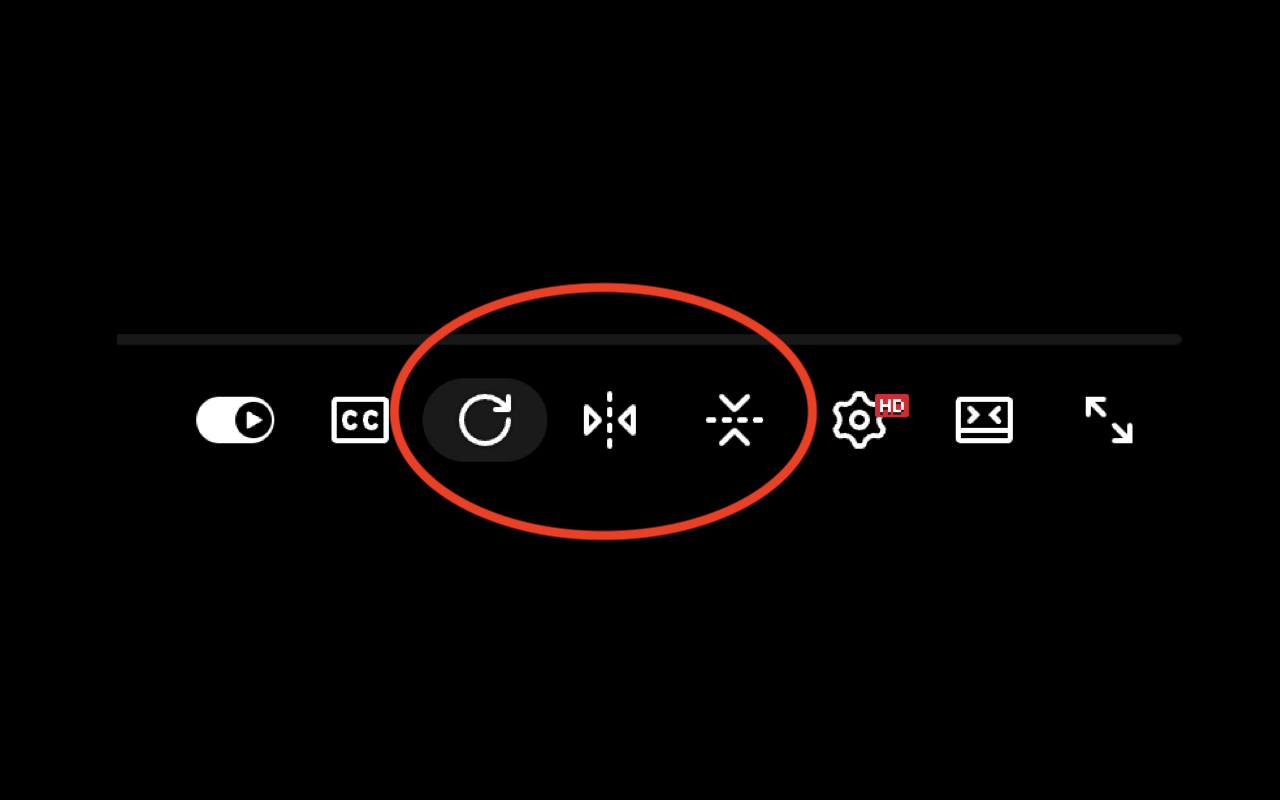
New controls appear next to the Settings gear on every watch page.
Rotate 90°
Each click turns the video a quarter-turn clockwise: 0° → 90° → 180° → 270°. Sideways clips are scaled to stay inside the player.
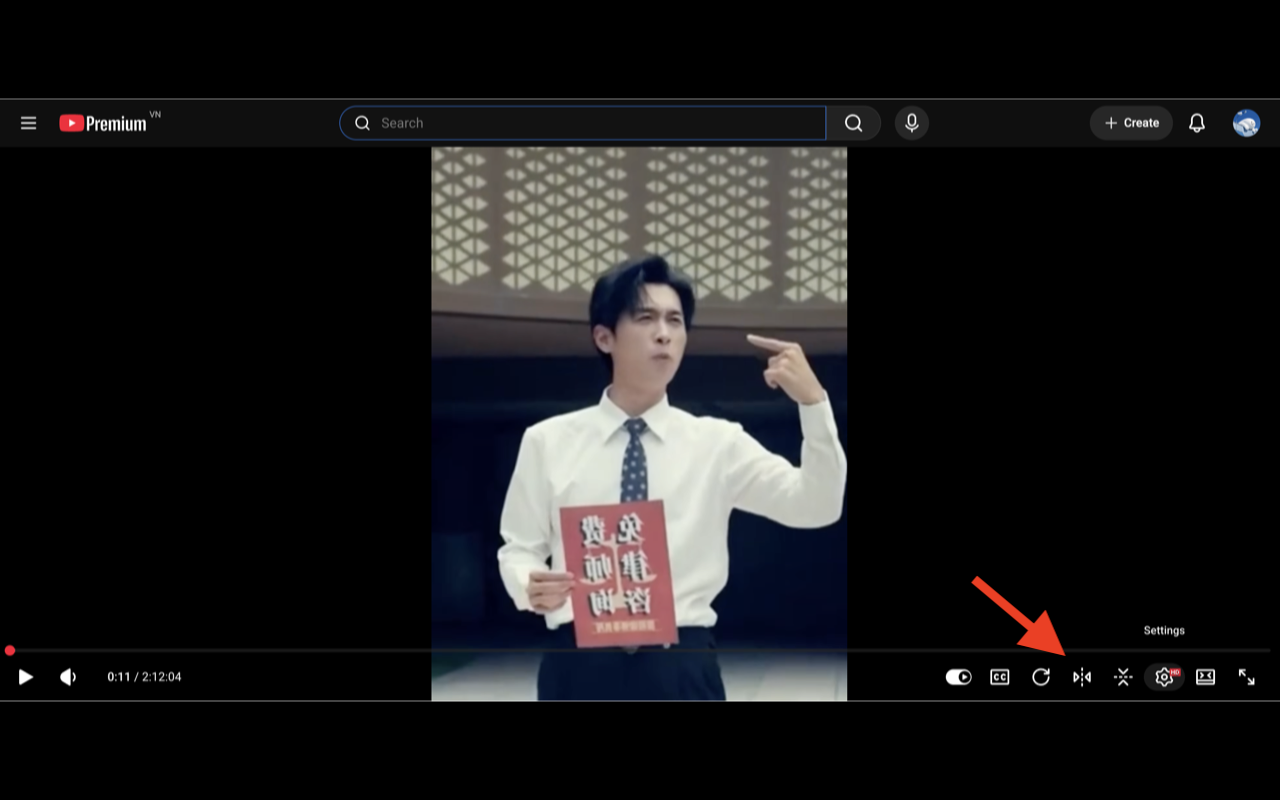
Flip horizontal
Mirror the video left-to-right — perfect for selfie-cam footage or text that came out backwards.
Flip vertical
Mirror top-to-bottom. Rotation and both flips combine freely, so you can get to any orientation.
See it in action
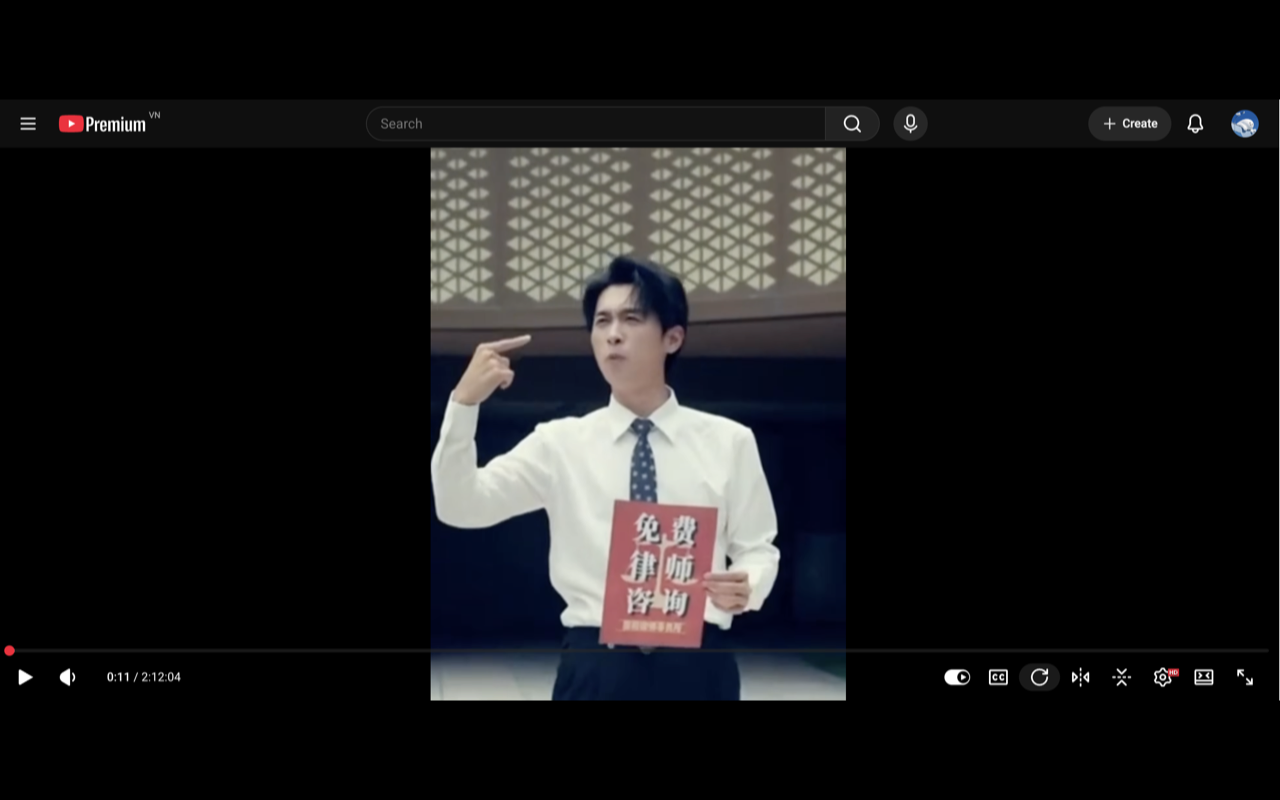
Same player you already know — just a few extra buttons.
Zero data collected
Tube Flip has no accounts, no analytics, no trackers, and no servers. It only changes how a video is displayed inside your own browser.